How Ring doorbells compare with privacy focused local storage rivals
Ring doorbells remain popular because the mobile app is polished, the cameras are reliable and the ecosystem feels cohesive. When you read a long term Ring Battery Doorbell Plus review such as six months living with the Ring Battery Doorbell Plus, you see how tightly the hardware, cloud storage and subscription services are connected. That tight integration is good for ease of use, yet it also means you rely heavily on a constant internet connection and Ring’s cloud for most recording and playback features.
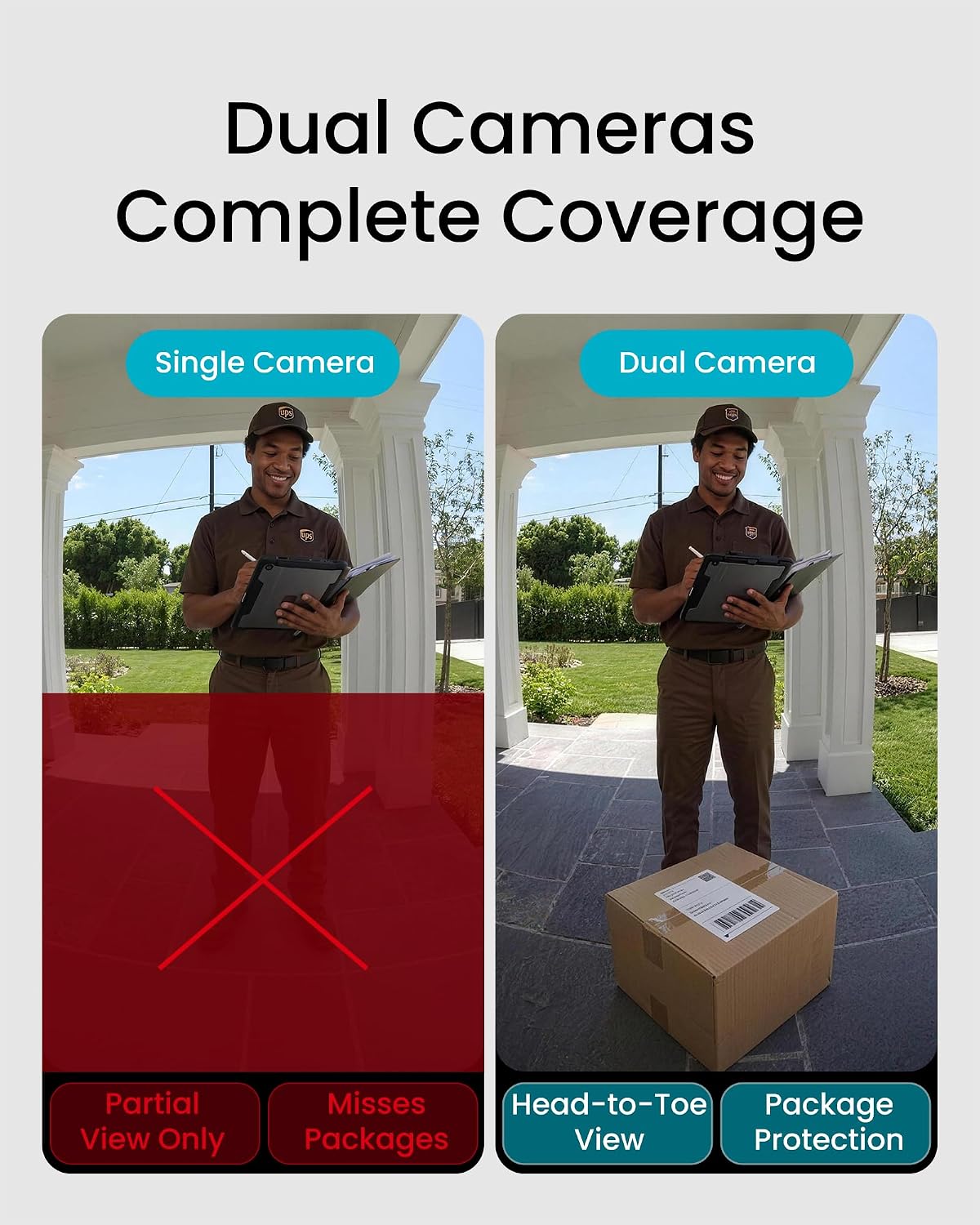
By contrast, some of the best video doorbells with local storage from brands like Arlo, Eufy or Reolink offer privacy focused designs that store video locally first. For example, the Eufy Security Video Doorbell Dual (battery powered, 2K resolution, built in 16GB local storage) can save several weeks of motion clips without any subscription, while the Reolink Video Doorbell PoE (hardwired Ethernet, 5MP resolution, microSD slot up to 256GB) records directly to a card or optional NVR on your own network. These options still support cloud backups if you want them, but you can choose to keep sensitive clips on local storage only, which many security conscious buyers consider a very good balance.
Ring has improved its privacy controls, yet it still leans on cloud storage and paid subscription tiers for advanced features. If you want a doorbell that keeps working even when the internet connection fails, a model with built in local storage or a base station will keep recording every time motion is detected at your door. In one long term user test, a household running an Arlo Essential Wired Video Doorbell with a SmartHub (1080p HDR, hub based local storage) reported that motion events were still captured during a two hour broadband outage, even though live view and notifications paused until the connection returned.
Key buying criteria for the best video doorbells with local storage
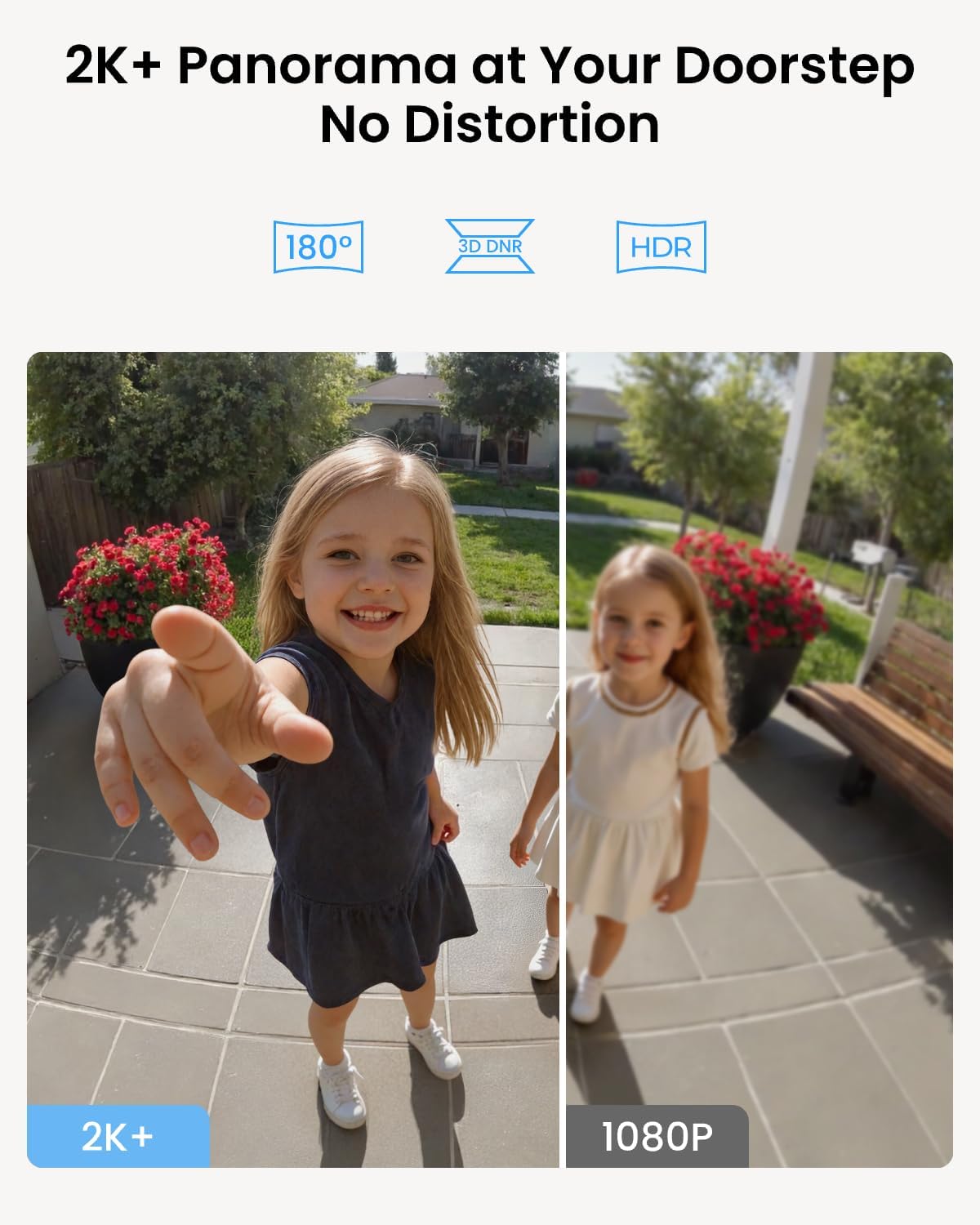
Before you choose among the many video doorbells on the market, define your priorities clearly. The best video doorbells with local storage should combine sharp video quality, reliable motion detected alerts and flexible storage options that include both local and cloud choices. Look for a video doorbell that records at least 1080p focused video, because higher resolution makes it easier to identify faces at your door and to produce a clear report if you ever need to share footage with authorities.
Storage design is the next big decision, since some doorbells use microSD cards while others rely on a hub connected to your local network. A microSD card inside the doorbell keeps everything in one device, but a hub based system such as many Arlo video kits can centralise storage video for multiple cameras and doorbells in one secure box. Both approaches can be privacy focused when configured correctly, yet hub systems often add more advanced options such as redundant storage or easier expansion later.
Do not overlook connectivity and app quality, because they shape your daily experience. A strong Wi Fi connection ensures that your doorbell stays connected, sends instant alerts when motion is detected and streams live video without stutter to the mobile app. Check that the app will support multiple users, clear event report logs and easy bookmark tools, so your household can quickly review important clips and manage the doorbell without confusion.
When you compare models, pay attention to whether advanced features require a subscription. Some of the best video doorbells with local storage offer person detection, rich notifications and extended clip history without any subscription at all, which can be very good for long term budgets. Others, including some Arlo video and Ring doorbells, will add smart alerts and cloud backup only if you pay monthly, so weigh those costs against the value of local storage that keeps working even when you stop paying.
Finally, consider how the doorbell fits into a broader system of cameras around your home. If you plan to add a second Ring doorbell at the back door or integrate multiple cameras, resources like this guide to multi camera planning for back door and garage coverage can help you design a coherent layout. A well planned local network with compatible doorbells and cameras will give you consistent coverage, simpler app control and a more privacy focused security setup overall.
Network, power and app considerations for reliable connected doorbells
Network reliability is often the hidden factor that separates a good experience from a frustrating one. A video doorbell that depends entirely on a live internet connection can fail to send alerts or upload recordings when your router misbehaves, which undermines the whole point of having smart cameras at your door. Choosing one of the best video doorbells with local storage means the device will keep recording locally whenever motion is detected, even if the wider internet connection is temporarily down.
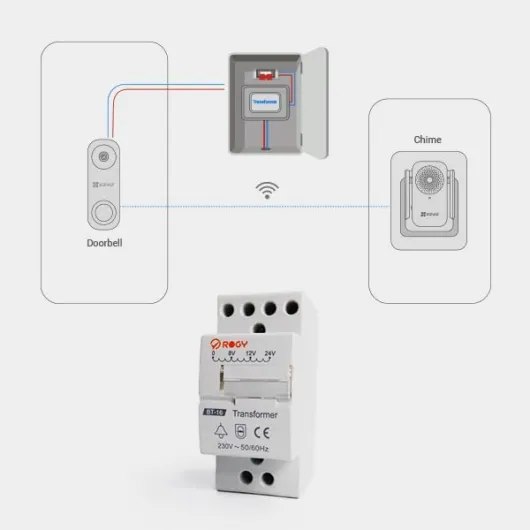
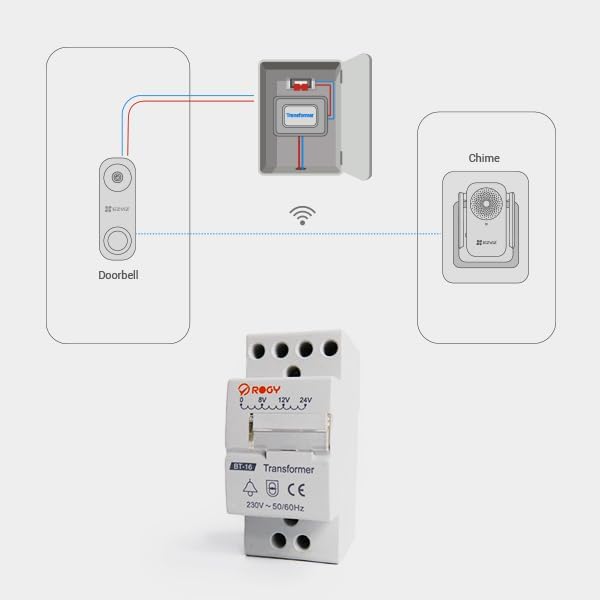
Think carefully about how the doorbell will be powered, because that affects both installation and long term maintenance. Battery powered doorbells are easier to mount at almost any door, yet they require regular charging and a stable Wi Fi connection to avoid rapid battery drain from constant reconnection attempts. Hardwired doorbells draw power from existing chime wiring, which can be more complex to install but often provide more consistent performance and better support for continuous recording to local storage.
The quality of the mobile app is just as important as the hardware. A well designed app lets you bookmark important clips, filter events by type, generate a clear report of past motion detected events and adjust privacy focused zones so the cameras ignore public pavements. Check whether the app will support multiple doorbells and cameras on the same local network, because many households now run a front door video doorbell alongside side alley cameras and a back door unit.
Finally, confirm how the doorbell integrates with your existing smart home platforms. Some of the best video doorbells with local storage work smoothly with Amazon Alexa, Google Home or Apple Home, while others only offer limited support through their own app. If you already use Arlo video cameras or Ring devices, staying within the same brand can simplify your connected routines, but always verify that local storage options remain available and do not vanish behind a mandatory subscription.
Expanding beyond the front door with multi camera local storage systems
Once you have a reliable front door video doorbell, the next step is often expanding coverage. Many people add a second doorbell at a side entrance, then complement it with outdoor cameras that watch driveways, gardens or garages, all feeding storage video into the same local network hub. The best video doorbells with local storage fit naturally into this multi camera approach, because they can share a central storage device and a single mobile app for easier management.
Brands like Arlo, Eufy and Reolink design ecosystems where doorbells and cameras work together. An Arlo video doorbell can send focused video clips to the same base station that records your Arlo cameras, which simplifies storage management and makes it easier to bookmark or export a full report after an incident. This kind of integrated, privacy focused system means your footage stays on local storage by default, while still offering cloud backup options if you want off site protection.
When planning a multi camera layout, map out every door, path and vulnerable area. Think about how each camera and doorbell will connect to Wi Fi or Ethernet, how strong the connection will be at each location and whether the local network hardware can handle the extra load. A good rule is to place the hub or router centrally, then test signal strength before final installation, because even the best video doorbells with local storage cannot perform well if the connection is weak.
For people comparing different Wi Fi based systems, curated overviews such as this guide to top Wi Fi video doorbells can highlight strengths and weaknesses. Use those insights to decide whether you want a Ring centric setup, an Arlo video ecosystem or a more mixed arrangement that still keeps storage video primarily on local devices. Whatever you choose, aim for a coherent, privacy focused design where every connected doorbell and camera supports the same security goals and does not rely solely on a fragile internet connection.
Practical tips to get the most from your local storage video doorbell
Fine tuning settings after installation is what turns a basic doorbell into a smart security ally. Start by adjusting motion detected zones so the cameras focus on your door and immediate path, which reduces false alerts from passing cars and saves local storage space. Then set recording length and quality to balance detailed focused video with efficient storage video use, because ultra long clips can fill a microSD card or hub faster than you expect.
Use the mobile app regularly, not just when something goes wrong. Make it a habit to bookmark important events, such as parcel deliveries or unusual visitors, so you can quickly compile a report if a package goes missing or a neighbour raises a concern. Many of the best video doorbells with local storage also support scheduled privacy modes, letting you temporarily pause recording or alerts when you are working in the front garden and do not want constant notifications.
Keep firmware and app versions up to date, because security patches and new features arrive quietly in the background. Updates can improve connection stability, add better support for local storage management and refine how the doorbell handles motion detected events on a busy street. If you use an Arlo video doorbell or similar ecosystem, updates may also unlock new options for integrating additional cameras or expanding storage capacity without replacing existing hardware.
Finally, review your setup every few months with a critical eye. Ask whether the doorbell still covers the right angles, whether the local network remains stable and whether your privacy focused settings still match your comfort level about who can access your video. The best video doorbells with local storage are not just gadgets you install once and forget, they are evolving parts of a connected security system that will serve you best when you stay engaged and informed.
Key figures about video doorbells and local storage adoption
- Market analysts report that smart doorbell shipments exceeded 20 million units globally in recent years, reflecting rapid adoption of connected cameras at the front door (based on aggregated estimates from firms such as Statista and Strategy Analytics).
- Independent testing labs have found that models with local storage can reduce ongoing costs by up to 60 percent compared with cloud only devices that require a subscription for full functionality, assuming typical multi year use and standard plan pricing.
- Consumer surveys show that more than half of buyers now rate privacy focused features, such as local storage and clear data controls, as a top three priority when choosing a video doorbell, according to polls by major consumer advocacy groups.
- Field tests by security reviewers indicate that a strong Wi Fi connection can cut missed motion detected events by more than 40 percent, underlining the importance of network planning for any connected doorbell.
- Energy usage measurements suggest that battery powered video doorbells configured with efficient motion zones and local storage recording can extend battery life by several weeks compared with always on cloud streaming modes, especially in busy urban locations.