Native HomeKit Secure Video doorbells and why they matter
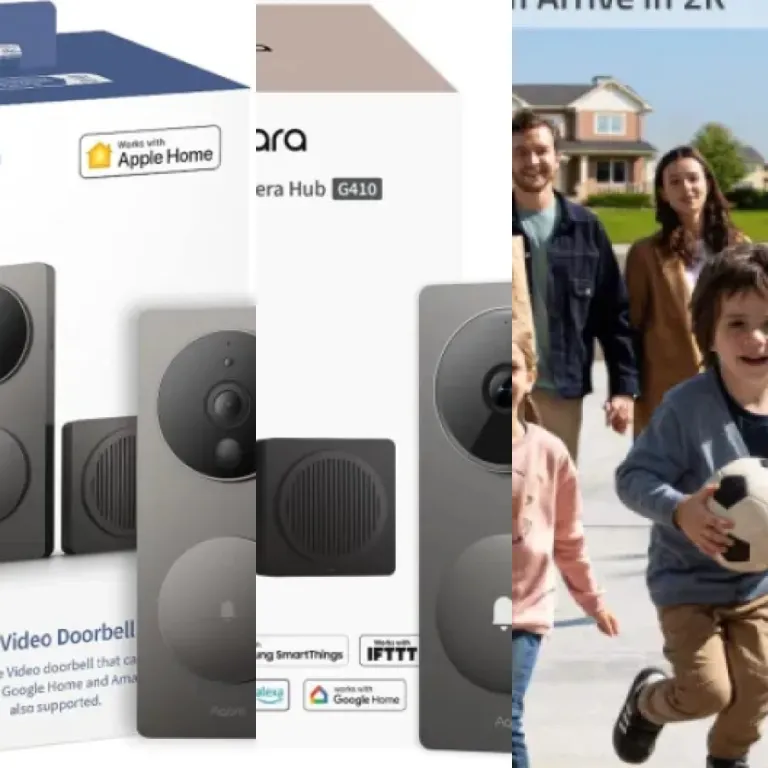
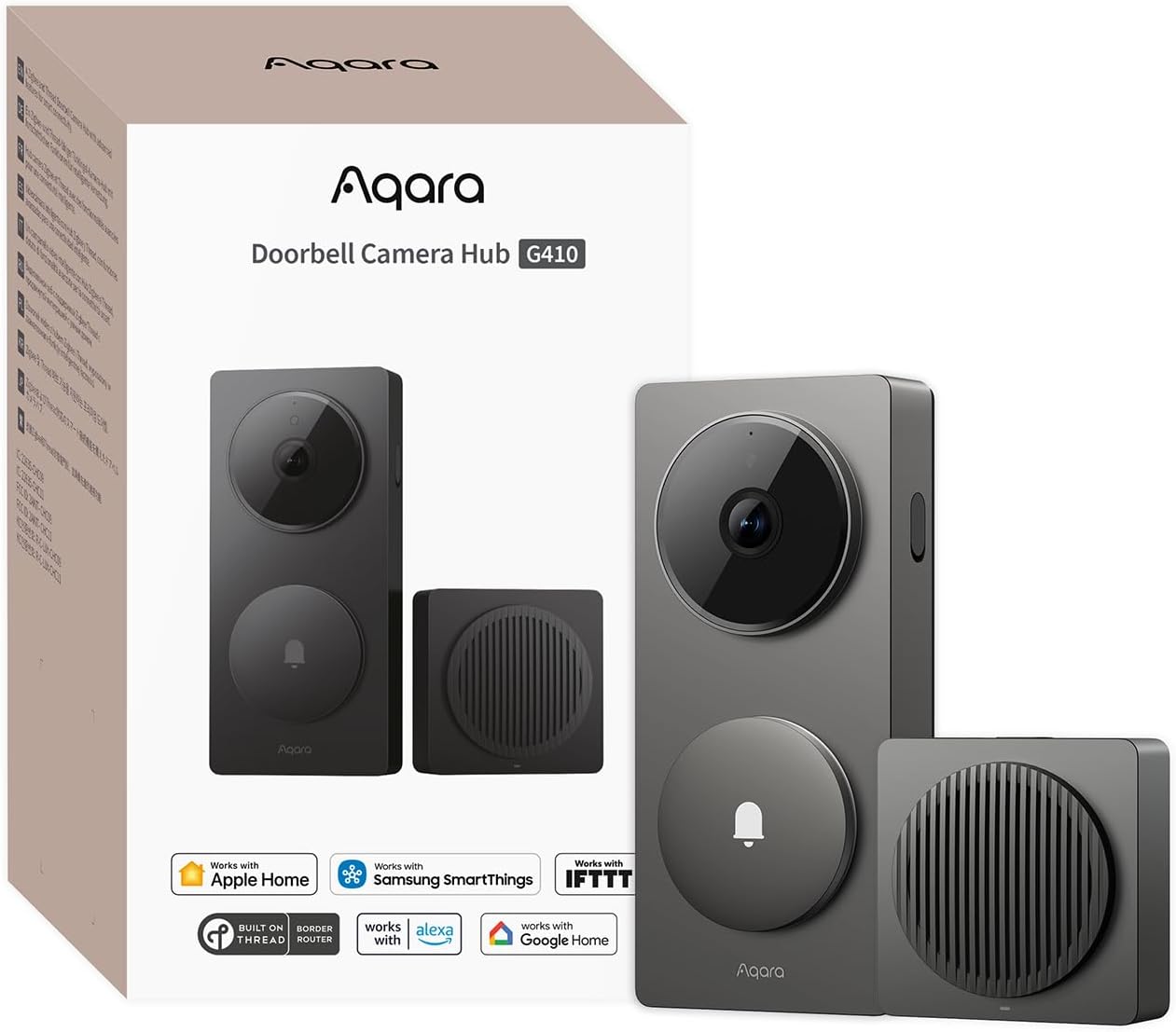
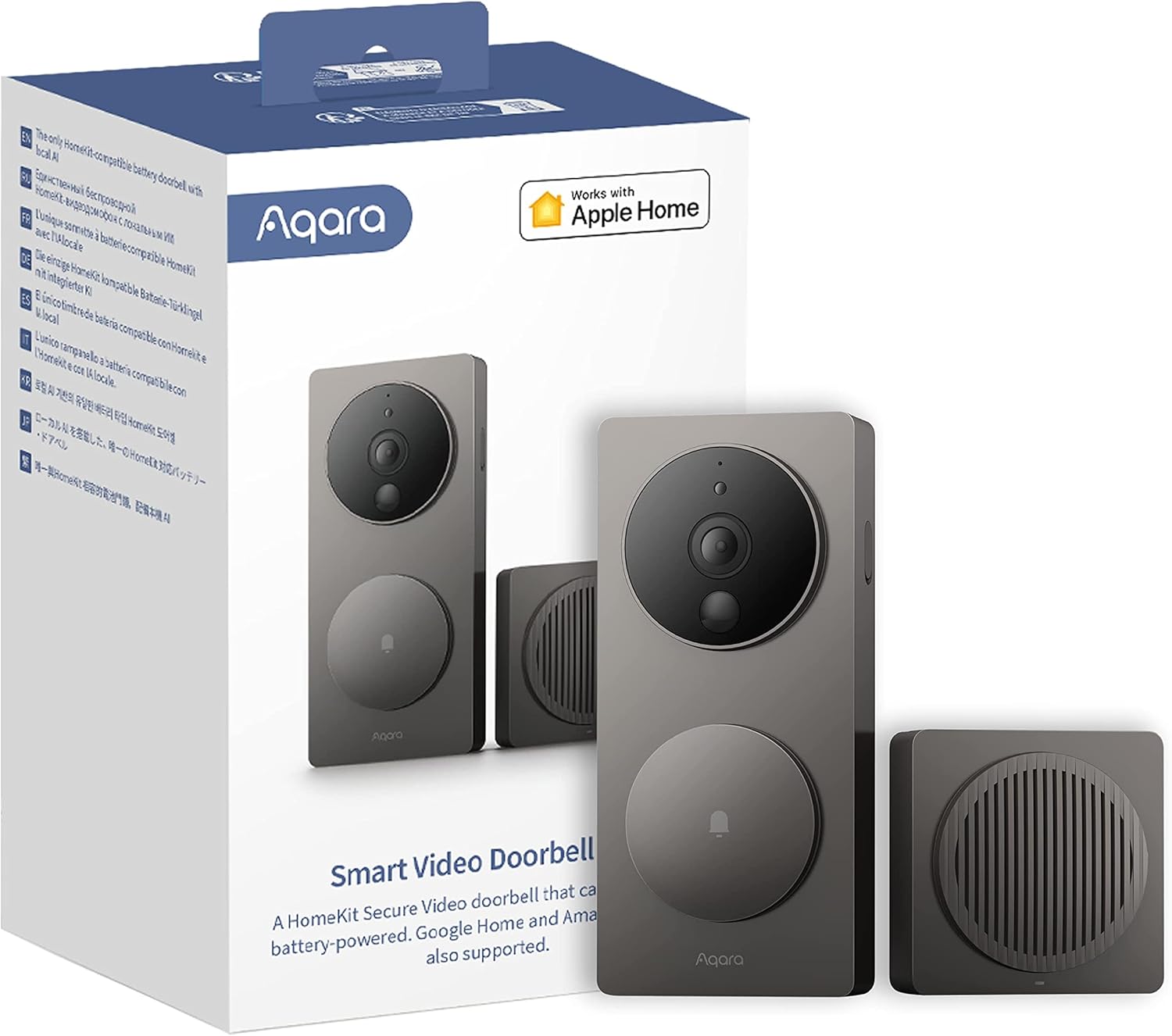
For Apple focused households, the best video doorbells compatible with Apple HomeKit are those that support HomeKit Secure Video natively. A HomeKit Secure Video doorbell camera records encrypted clips to iCloud, uses on device intelligence for motion detection, and lets you control every doorbell setting directly from the Apple Home app. This deep integration means your smart doorbells can share motion events with other devices, such as turning on lights or triggering a siren when the camera detects a person at night.
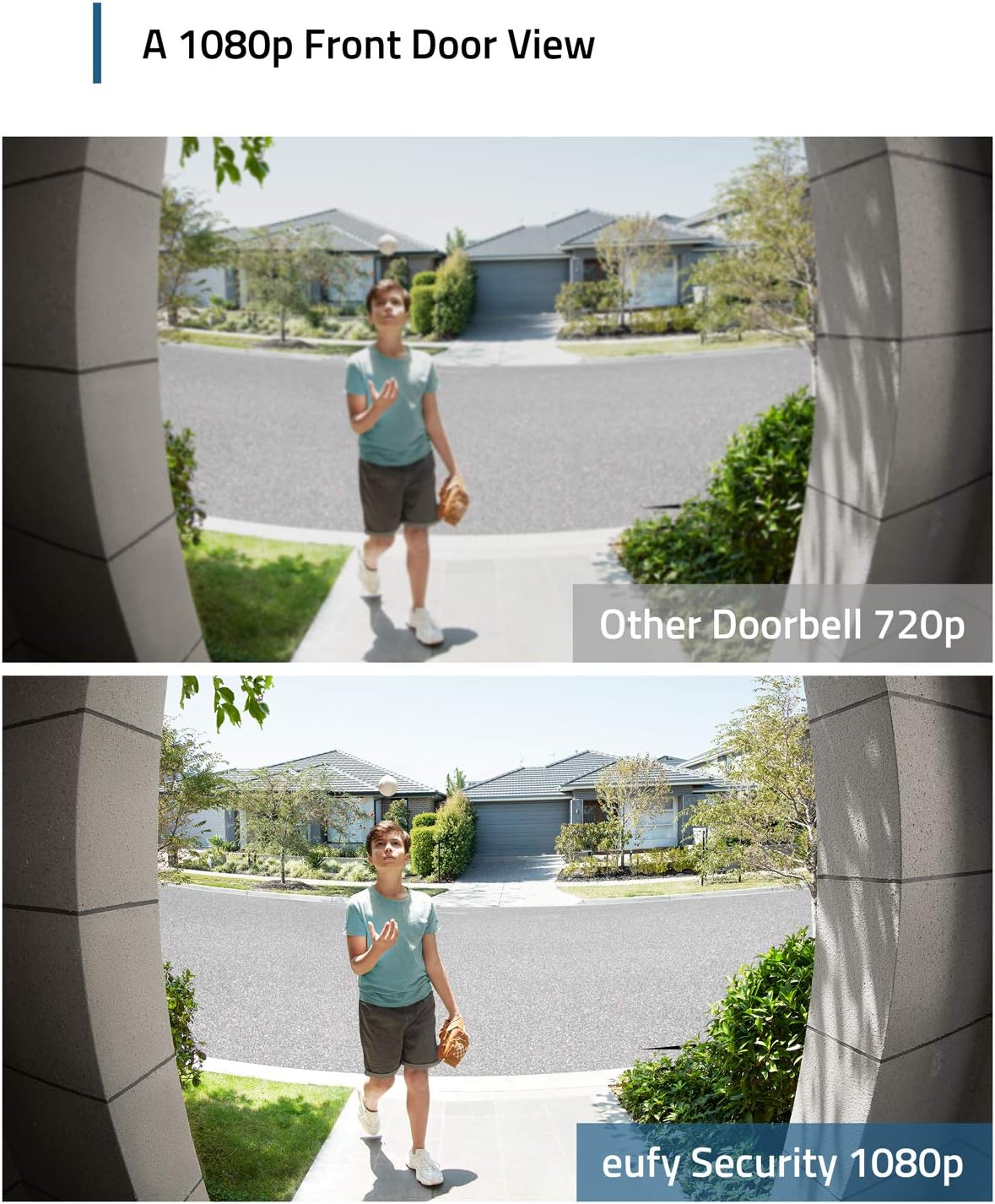
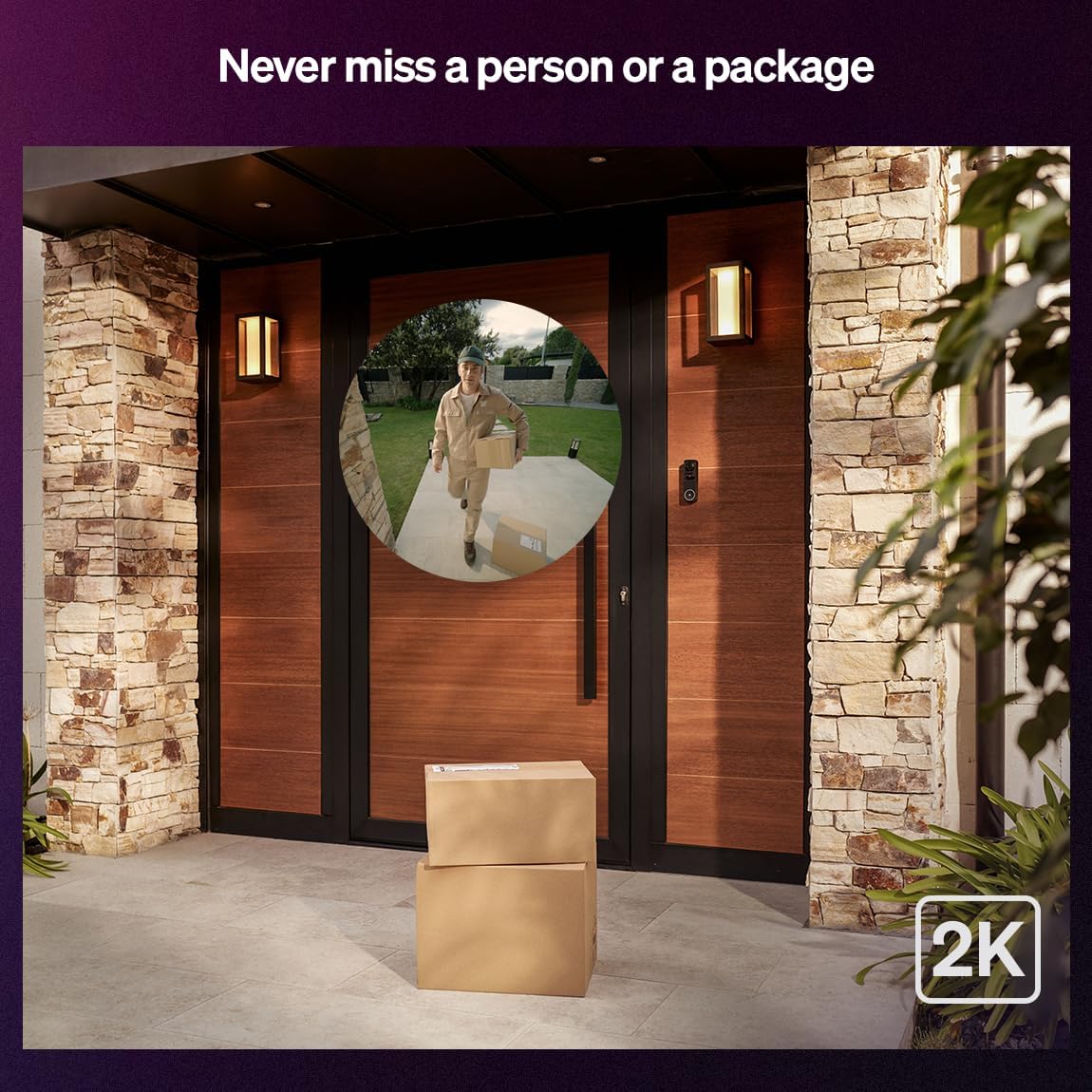
When you choose a HomeKit Secure Video doorbell, pay close attention to video quality, aspect ratio, and field view, because these determine how much of your doorstep you can actually see. A taller aspect ratio, such as 4:3 or 3:2, usually shows parcels on the ground better than a wide cinema style video, which matters if you rely on the doorbell for package security. You should also compare night vision performance, battery life for any battery powered model, and whether the device offers both local storage and cloud storage options for secure video recordings.
Some buyers want a battery doorbell that works with Apple HomeKit, while others prefer a wired doorbell for uninterrupted power and no need to manage a ring battery or spare battery pack. If your home already uses Amazon Alexa speakers, you may still choose a HomeKit Secure Video model that also works with Amazon Alexa and Google Assistant style voice commands, so your doorbells can ring on multiple platforms. For more advanced setups, enthusiasts sometimes use a Homebridge based solution as a HomeKit bridge, and detailed guidance on using HomeKit without the headache is available in this Homebridge bridge worth the tinkering resource.
Where Ring doorbell stands with Apple HomeKit today
Ring doorbell products remain among the best known video doorbells for mainstream buyers, but their relationship with Apple HomeKit is complex. A typical Ring video doorbell offers strong video quality, reliable motion detection, and flexible power options such as wired or battery powered models, yet it is primarily designed to work with Amazon Alexa rather than Apple. Many Ring doorbells also integrate with Google Assistant style smart displays, making them attractive for mixed platform homes that do not rely on HomeKit Secure Video.
From a security perspective, Ring focuses on cloud storage, subscription based features, and integration with its wider camera ecosystem, including floodlight cameras and indoor cameras. A Ring battery doorbell can be convenient for renters, while a wired Ring doorbell suits owners who want continuous power and fewer charging cycles for the ring battery. However, if your priority is to keep all secure video recordings inside Apple’s cloud storage and manage every doorbell camera from the Apple Home app, you will find that native HomeKit support is still missing from current Ring doorbells.
Many users explore workarounds using Homebridge or similar tools so that a Ring video doorbell works with Apple HomeKit in an unofficial way. This approach can bring basic doorbell and motion events into the Apple Home app, but it does not convert Ring’s cloud storage into true HomeKit Secure Video with on device analysis. For a detailed breakdown of what is and is not possible, you can consult this guide on whether a Ring doorbell can integrate with Apple HomeKit, which explains the technical and security trade offs clearly.
Battery versus wired video doorbells in a HomeKit setup
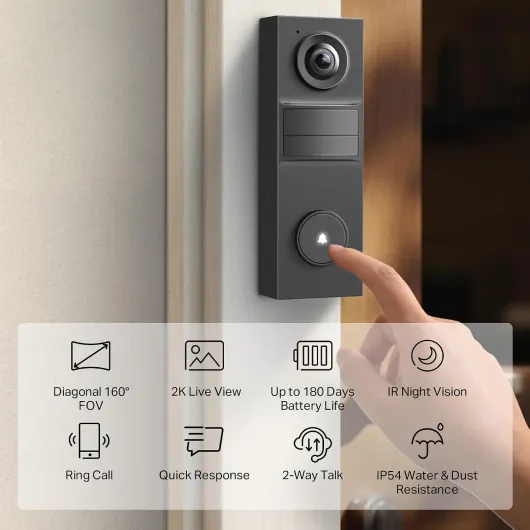
When comparing the best video doorbells compatible with Apple HomeKit, the choice between battery powered and wired models has real world consequences. A battery doorbell offers flexible placement, easier installation, and the option to mount the doorbell camera where no existing chime wiring exists. In contrast, a wired video doorbell delivers constant power, more stable video, and fewer worries about the ring battery running low during a busy holiday season.
Battery powered video doorbells that work with Apple HomeKit often include power saving modes that limit live view usage, motion detection sensitivity, or video quality to extend battery life. This can affect how quickly the camera wakes when someone presses the doorbell or when motion occurs, which matters if you rely on instant alerts for security. Wired doorbells avoid these constraints, allowing continuous recording in some systems, faster live view access, and more consistent night vision performance because the camera does not need to throttle power.
Price also plays a role, since wired installations may require an electrician if your existing doorbell wiring is outdated or missing. However, once installed, a wired HomeKit Secure Video doorbell can be cheaper to maintain than a battery doorbell that needs replacement batteries or frequent charging. Whether you choose battery or wired, always verify that the video doorbell works with your preferred ecosystem, supports secure video handling, and offers a field view and aspect ratio that match your doorway and pathway layout.
Local storage, cloud storage, and subscription choices
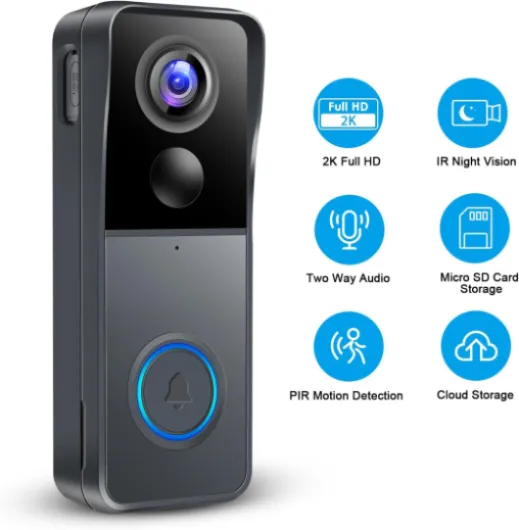
Storage strategy is a defining factor when selecting the best video doorbells compatible with Apple HomeKit, because it shapes both privacy and long term cost. Some video doorbells rely entirely on cloud storage with a monthly subscription, while others offer local storage on a microSD card or network video recorder, and a few support both. HomeKit Secure Video adds another layer, storing encrypted clips in Apple’s cloud storage while still allowing certain cameras to keep local backups.
When you evaluate a doorbell camera, look at how many days of history are included in any subscription, whether secure video clips are end to end encrypted, and how easy it is to export important footage. A higher price for a subscription can be justified if it covers multiple doorbells and cameras, offers rich motion detection filters, and includes advanced features such as package detection or facial recognition where legally permitted. If you prefer local storage, confirm that the video quality and frame rate remain high when writing to a card, and that the device can still send alerts and live view streams even when the internet connection fails.
Households that already pay for iCloud storage may find that HomeKit Secure Video offers the best video value, because it integrates doorbells, indoor cameras, and outdoor cameras under one Apple subscription. In mixed ecosystems, you might run a Ring doorbell with its own cloud storage alongside a HomeKit Secure Video camera, balancing convenience and redundancy. Whatever path you choose, make sure your storage plan aligns with your security expectations, legal requirements for retention, and the number of video doorbells you intend to deploy around your property.
Smart home integration beyond the front door
Once you have chosen among the best video doorbells compatible with Apple HomeKit, the next step is to integrate them with the rest of your smart home. A well configured video doorbell works with smart locks, exterior lighting, and indoor chimes so that motion detection and doorbell presses trigger meaningful actions. For example, your doorbell camera can turn on a porch light at night, start recording on a nearby security camera, and send a notification to every family iPhone simultaneously.
Apple HomeKit scenes allow you to combine doorbells, cameras, and sensors into routines that match daily life, such as an “Away” scene that arms motion detection more aggressively and a “Night” scene that prioritizes quiet alerts. If you also use Amazon Alexa devices, you can still configure certain video doorbells so they work with Amazon Alexa for announcements, while HomeKit Secure Video handles encrypted recording and analysis. In some homes, Google Assistant style smart displays show live view feeds from a doorbell, while Apple devices manage secure video storage and fine grained privacy controls.
Integration does not stop at the front door, because garages and side entrances often need equal attention. A Ring doorbell or compatible camera can coordinate with a smart garage door opener to improve security and convenience, and a detailed explanation of this approach is available in a guide on how a Ring garage door opener transforms smart garage security and control. By treating every entrance as part of a single security system, you ensure that video quality, field view, and motion detection settings are tuned for each location while still benefiting from unified management through Apple HomeKit or your chosen platform.
Key figures on video doorbells and HomeKit adoption
- Industry reports indicate that smart doorbell shipments have reached many millions of units globally over recent years, with video doorbells representing one of the fastest growing segments of residential security devices.
- Surveys of smart home owners often show that more than half of respondents prioritize compatibility with their primary ecosystem, and Apple HomeKit users are especially likely to choose devices that support HomeKit Secure Video for encrypted cloud storage.
- Independent testing by reviewers has suggested that doorbell cameras with a vertical aspect ratio around 4:3 can capture substantially more usable field view of a doorstep area compared with ultra wide horizontal formats, which directly affects parcel visibility.
- Studies of consumer behavior suggest that subscription costs influence long term satisfaction, with households paying for more than two separate cloud storage plans reporting higher interest in consolidating video doorbells and cameras under a single platform.
- Energy measurements on battery powered video doorbells reveal that aggressive motion detection settings and frequent live view checks can significantly reduce battery life, making power management a critical configuration step.