Summary
Editor's rating
Value: what you actually get for the money
Design: clean look, not shouting “security camera”
Battery life and power: what you actually deal with
Durability and reliability: does it hold up and stay usable
Performance: video, alerts, and how it behaves day to day
What this thing actually is (and isn’t)
Pros
- Clean, low-key design with useful vertical field of view (you see people head-to-toe and packages on the ground)
- Smart detection for people, packages, animals, and vehicles reduces useless motion alerts
- Works well with Google Home, Nest speakers/displays, and even Alexa for chimes and live view
Cons
- No true 24/7 continuous recording on this battery model, even with a paid Nest Aware subscription
- Only 3 hours of free event history; longer storage needs a paid plan
- Locked into the Google Home app and ecosystem, with some setup and account quirks if you move or change Wi‑Fi

Specifications
View full product page →| Brand | |
| Indoor/Outdoor Usage | Indoor, Outdoor |
| Compatible Devices | Smartphone |
| Power Source | Battery-Powered |
| Connectivity Protocol | Wi-Fi |
| Controller Type | Google Assistant |
| Mounting Type | Door Mount |
| Video Capture Resolution | 720p |
A smart doorbell that’s good, but not magic
I’ve been using the Google Nest Doorbell (Battery, Linen color) on my front door for a while now. I swapped it in for a basic non-smart doorbell, so for me this was a big jump: camera, motion alerts, app notifications, the whole thing. I’m already in the Google ecosystem with a couple of Nest Minis and a Nest Hub, so it felt like the logical choice instead of going Ring or Eufy.
Right away: it does what it’s supposed to do. It shows me who’s at the door, it pings my phone when a package shows up, and I can talk to delivery drivers when I’m not home. It’s not perfect, and Google’s ecosystem quirks are real, but in day-to-day use it mostly gets the job done without me thinking about it too much, which is honestly what I want from a doorbell.
There are some things I really liked: the vertical field of view is actually useful, the alerts are more intelligent than basic motion detection, and installation on battery was about as painless as these things get. But there are also some annoyances: no Nest app support, the Google Home app is still a bit clunky, no true 24/7 continuous recording on this model, and you basically feel pushed toward a Nest Aware subscription if you care about history.
If you’re already using Google Assistant and you want a clean-looking doorbell that integrates nicely with that, this one makes sense. If you’re allergic to subscriptions, or you want a more flexible system that doesn’t lock you into one app and one ecosystem, then this is where I’d say take a breath and really read the fine print before buying.
Value: what you actually get for the money
Price-wise, the Nest Doorbell (Battery) is not the cheapest option. There are budget video doorbells out there that cost a good chunk less, especially some of the lesser-known brands or basic models from Blink or Wyze. With Nest, you’re paying partly for the Google integration and the smarter alerts. Whether that’s worth it depends a lot on how deep you already are in the Google ecosystem and how picky you are about notifications and app polish.
Out of the box, you get the doorbell, base plate, wedge, screws, anchors, a wire connector (if you decide to wire it), and a charging cable. The free 3 hours of event history is better than nothing but honestly feels like a teaser. If you want any kind of real archive, you’re basically pushed into Nest Aware, which is an extra monthly cost. The familiarity detection (telling you “Sam is at the door”) and longer history are nice, but they do add up over time. So the full cost is doorbell + probably a subscription if you care about security footage beyond just the last couple of hours.
Compared to Ring, the pricing is in the same ballpark once you factor in subscriptions. Compared to Eufy (which stores locally on some models), Nest can feel more expensive long term because you’re paying for cloud storage instead of a one-time hardware buy. On the flip side, the integration with Google speakers and displays is very smooth: doorbell press triggers chimes and announcements around the house, and you can pull up the feed by voice. If you already have that gear, the value starts to feel better.
So in my opinion: the value is pretty solid if you’re already using Google Home and don’t mind a subscription. If you’re starting from scratch and just want a basic video doorbell with no ongoing fees, the value drops and you might be better off with a simpler or more local-storage-focused brand. It’s not a ripoff, but it’s also not some crazy bargain; it’s a decent, ecosystem-friendly option at a mid-to-high price point.

Design: clean look, not shouting “security camera”
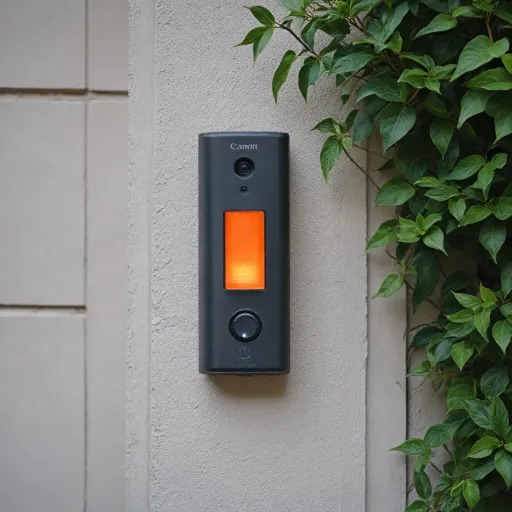
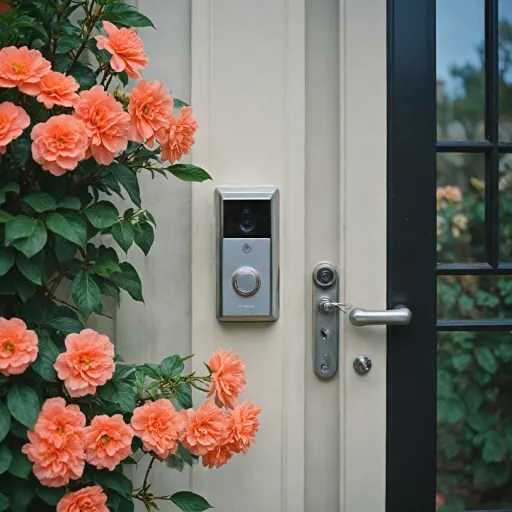
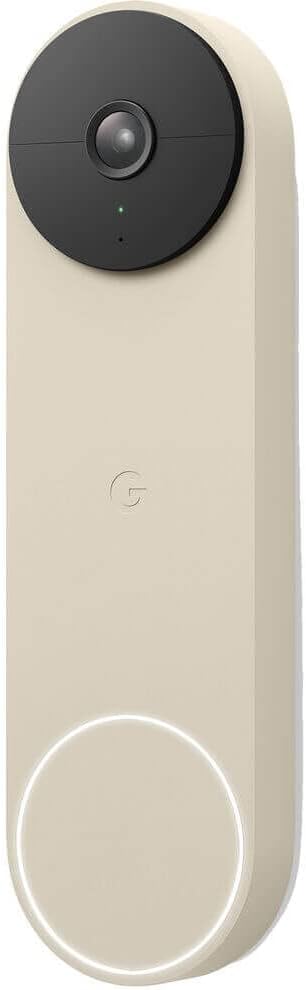
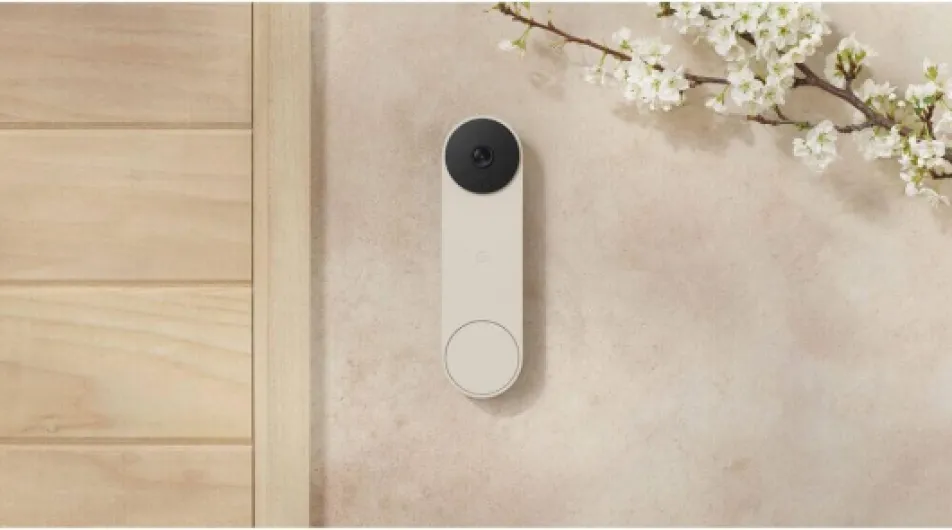
Design-wise, I actually like this thing. It’s tall and slim (about 6.3 x 1.8 x 0.95 inches), so it doesn’t look like a chunky security camera stuck on your doorframe. The Linen color blends in nicely if you have a light or neutral exterior. On my darker trim, it stands out a bit, but not in a bad way – it looks more like a modern doorbell than a CCTV unit. If you’re into low-key gear that doesn’t scream “surveillance”, this fits that vibe.
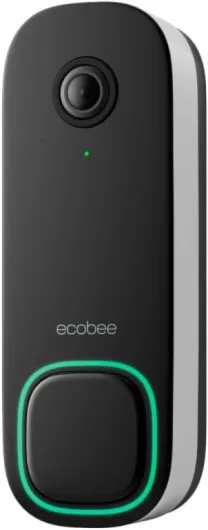
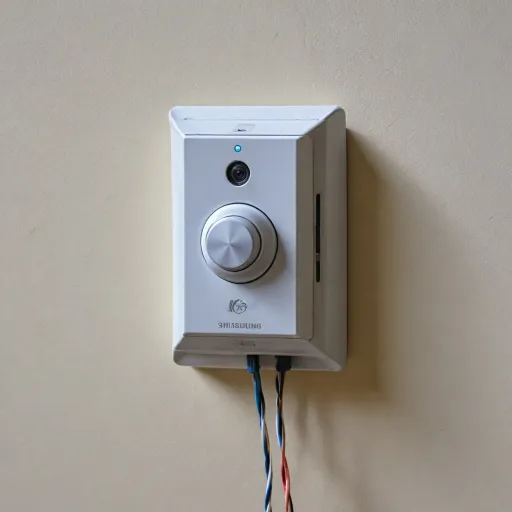
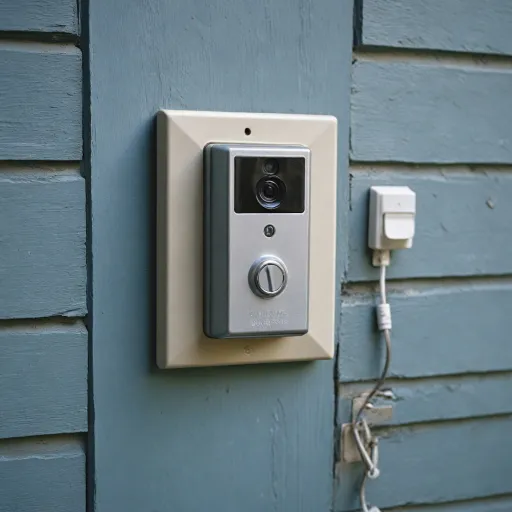
The front layout is simple: big button for visitors, camera lens above, and a small status light. The ring button is easy to find and press, even at night. There’s no weird chrome or glossy nonsense; it’s pretty understated. One thing I appreciated is that the vertical camera orientation makes sense with the tall body. It doesn’t feel like they forced a random camera into a doorbell shell – the shape and the view match.
In day-to-day use, the design is practical. The unit clicks into the base plate with a little tool to release it, so nobody can just walk up and yank it off easily. The included wedge helps angle it if your doorframe is tucked in or if you want to see more of the approach path. For apartments or rentals, the fact that it doesn’t need huge holes or a lot of hardware is nice. It’s just a couple of screws and anchors if you’re going with battery-only.
There are a couple of downsides. First, it’s taller than some other doorbells, so if you have a tight space between a door and a sidelight, measure before you buy. Second, there’s no built-in physical chime; it relies on your existing chime (if wired) or your smart speakers/phone. That’s fine for me, but if you were expecting a box with an included chime unit, that’s not what you’re getting here. Overall though, the design is pretty solid and practical for a modern home.
Battery life and power: what you actually deal with
I went with the battery-powered setup, no wiring, because I didn’t feel like messing with transformers and chimes. For that use case, the battery life is actually decent. With motion detection on, a few visitors a day, and a moderate number of alerts, I’ve been recharging roughly every 6–8 weeks. That lines up with what other people report: about every other month if your front door isn’t facing a super busy street.
Charging is straightforward: pop the doorbell off the mount with the included tool, bring it inside, and plug it into USB‑C. It usually takes a couple of hours to go from low to full. It’s not painful, but it is one more gadget you have to remember to charge. If you live somewhere with heavy foot traffic or constant deliveries, expect the battery to drain faster because it’s waking up and recording more often.
If you wire it into existing doorbell wiring, it still uses the internal battery, but it can trickle charge from the wiring and avoid a lot of manual recharges. That’s probably the best setup if you own the place and already have a wired chime. Just be aware you might need a compatible transformer, like one reviewer in the UK mentioned having to buy separately. Once wired, it also integrates with your existing chime, so when someone presses the button, your standard chime rings plus your Google speakers can announce it.
One detail I actually appreciate: if the power or Wi‑Fi goes down, the doorbell can store up to about an hour of events locally. That doesn’t solve everything, but at least you don’t get a total blackout for short outages. Overall, battery usage is pretty reasonable, but if you hate charging things, you should either wire it or pick a fully wired-only doorbell instead.
Durability and reliability: does it hold up and stay usable
So far, the build feels solid. The unit has been outside through rain, cold nights, and some hot days, and it hasn’t shown any weird behavior. The IP65 rating basically means it’s fine with dust and water jets, and in real life that translates into “it survived a few nasty storms without freaking out”. The housing doesn’t feel cheap or flimsy, and the button still clicks like day one.
On the reliability side, the camera and alerts have been consistent. It connects to Wi‑Fi and stays connected, as long as your router isn’t trash and you’re not too far away. I’ve had the occasional hiccup where the live view takes a bit longer to load, but nothing that made me want to rip it off the wall. When Wi‑Fi did drop once, it recorded locally and then synced events after things came back, which is exactly what it’s supposed to do.
Where I’ve seen more complaints (and I get why) is not so much the physical durability, but the account and setup side. One reviewer talked about being basically stuck after changing Wi‑Fi details and feeling like the reset/factory reset process is broken. I didn’t hit anything that bad personally, but I will say: the Google account + Google Home app + old Nest ecosystem combo is messy. If you change routers, move house, or hand the device to someone else, you need to be methodical about removing it from your account and re-adding it. It’s not as simple and transparent as it should be for a doorbell.
Long term, I trust the hardware more than I trust Google not to change the software again. The camera and body feel like they’ll last years. The question is more whether Google keeps the app stable and doesn’t break integrations or bury features. If you’re ok living with that kind of big-tech dependency, durability is fine. If you hate that idea, you might prefer something more standalone.
Performance: video, alerts, and how it behaves day to day
In everyday use, the performance is generally good, with a few quirks. Video quality at 720p with HDR is decent. It’s not crystal-clear like some 2K cameras on the market, but it’s clear enough to recognize faces, read some labels, and see what’s going on. The vertical field of view is genuinely useful: I can see people head-to-toe and see packages left on the mat. I do miss a bit more width sometimes, especially if someone stands off to the side, but for a doorbell, I’d say this trade-off makes sense.
Night vision works fine. It doesn’t look like daylight, obviously, but I can still see who’s at the door and what they’re doing. The camera switches modes reliably and there’s no crazy lag going from day to night. The frame rate (30 fps) keeps motion reasonably smooth, so people aren’t jumping around in the footage. Streaming live video to my phone or to a Nest Hub is usually quick, though once in a while there’s a couple of seconds of delay if my Wi‑Fi is busy.
The alerts are where this doorbell is actually more useful than basic motion cams. It can tell the difference between a person, a package, a vehicle, and an animal, and that cuts down on useless notifications. I’ve had it ping me when a package is dropped, and it’s usually accurate. It very rarely goes off just for a passing car unless the car is really close to the door. You can also set Activity Zones so it only watches a certain part of the view, which is handy if your front door faces a busy sidewalk.
On the downside, this model does not do 24/7 continuous recording, even if you pay for Nest Aware. You’re limited to events, which means if something happens just outside the motion detection window, you might miss context. Also, the free 3 hours of history is honestly bare minimum. If something happens in the morning and you only check in the evening, that clip is probably gone unless you have a subscription. So performance is solid for live use and same-day checks, but less strong if you want deep history or full continuous coverage.

What this thing actually is (and isn’t)
The Nest Doorbell (Battery) is a wireless video doorbell that connects over Wi‑Fi and runs off its built-in battery, though you can wire it if you already have chime wiring at the door. The version I tried is the Linen color, which is basically a light neutral tone – not bright white, more of a soft beige/stone. It’s rated IP65, so it’s fine outdoors in rain and dust, and it uses 2.4 GHz or 5 GHz Wi‑Fi, so it connects easily to most routers.
In terms of video, it’s 720p with HDR and a 145° field of view, but the important bit is the vertical framing. It’s tall rather than super wide, so you see more floor/ground and less of the street to the sides. That matters for packages. It records events (not 24/7) and you get 3 hours of free event history, which is ok for quick checks but not much if something happens while you’re away for half a day. If you want more, you need Nest Aware, which adds up to 60 days of event history and familiar face detection.
Big thing to know: this doorbell only works with the Google Home app, not the older Nest app. If you already have older Nest cameras, you’re forced to juggle or migrate everything into Google Home. It also talks nicely to Google Nest smart displays and speakers, and even Amazon Alexa devices, but if you’re in the Apple HomeKit world, you need extra stuff like Starling or Homebridge to make it play nice. Out of the box, it’s very much a Google-first product.
So in practice, you’re buying: a decent camera, two-way audio, intelligent detection (people, animals, vehicles, packages), and fairly tight app integration. You are not getting: true 24/7 continuous recording on this battery model, full flexibility across platforms, or a totally subscription-free experience if you care about more than just the last few hours of clips.
Pros
- Clean, low-key design with useful vertical field of view (you see people head-to-toe and packages on the ground)
- Smart detection for people, packages, animals, and vehicles reduces useless motion alerts
- Works well with Google Home, Nest speakers/displays, and even Alexa for chimes and live view
Cons
- No true 24/7 continuous recording on this battery model, even with a paid Nest Aware subscription
- Only 3 hours of free event history; longer storage needs a paid plan
- Locked into the Google Home app and ecosystem, with some setup and account quirks if you move or change Wi‑Fi
Conclusion
Editor's rating
Overall, the Google Nest Doorbell (Battery, Linen) is a solid smart doorbell if you’re already living in Google’s world. It looks clean, the vertical video is genuinely useful for seeing both visitors and packages, and the smart alerts (people, packages, animals, vehicles) cut down on a lot of pointless notifications. Battery life is respectable if your front door isn’t a highway, and wiring is an option if you want to avoid recharging. Integration with Google Nest and even Alexa devices is smooth, and using Google Home to check the feed or talk to visitors works as advertised.
It’s not perfect, though. No 24/7 continuous recording on this model, even with Nest Aware, and the free 3-hour history is basically the bare minimum. The whole Google Home vs old Nest ecosystem thing is still annoying, and if you change Wi‑Fi or move, setup can be more of a headache than it should be. Long-term cost also creeps up once you add a Nest Aware subscription, which you’ll probably want if you’re serious about security footage. So: if you’re a Google Home user who wants a neat-looking doorbell that “just fits in” and you’re fine with subscriptions, this is a good pick. If you’re trying to avoid ongoing fees, or you want something more flexible and independent of one big ecosystem, you should probably look at alternatives.