
Understanding the connection challenges with Ring Doorbell
Why your Ring Doorbell might struggle with WiFi
Many customers expect their Ring Doorbell to deliver seamless security and instant alerts. However, reviews often mention issues with connection reliability. This is a common challenge, especially in homes where the WiFi signal does not reach the front door or where there are multiple Ring devices competing for bandwidth. The number of devices on your network, the distance from your router, and even the construction materials of your home can impact the signal strength and range.
Impact of weak signal on Ring performance
When your Ring Doorbell receives a weak WiFi signal, you may notice delayed notifications, missed motion events, or poor video quality. In some cases, the device may disconnect entirely. This can be frustrating, especially when you rely on your Ring for security and peace of mind. Many users look for solutions like the Ring Chime Pro, range extenders, or upgrading to a Ring Alarm system to improve performance. The role of a doorbell chime in smart homes is also important, as it can help ensure you never miss a visitor or alert.
- Ring Chime Pro and other extenders can boost the signal for your Ring Doorbell and other Ring devices.
- Choosing the best extender depends on your home's layout, the number of devices, and your security needs.
- White models and pro versions often offer standard power and extended range, which can be important for larger homes.
Understanding these connection challenges is the first step to improving your Ring experience. In the next sections, we’ll look at how extenders work, how to spot when you need one, and how to choose the right model for your setup.

What are Ring wifi extenders and how do they work?
How wifi extenders boost your Ring Doorbell performance
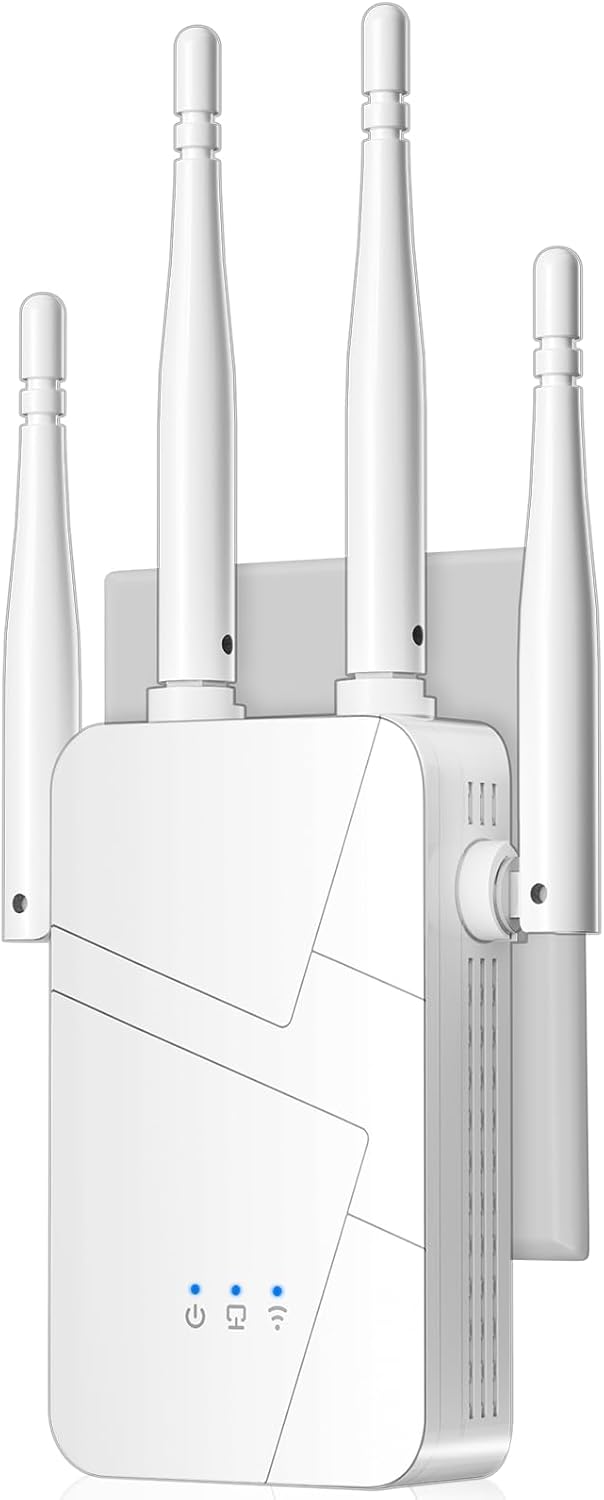
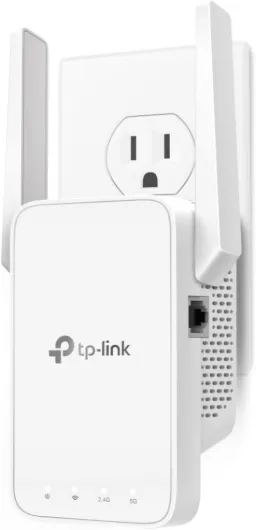
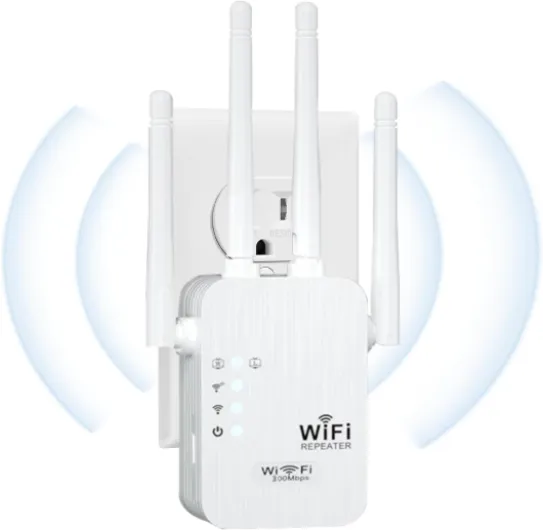
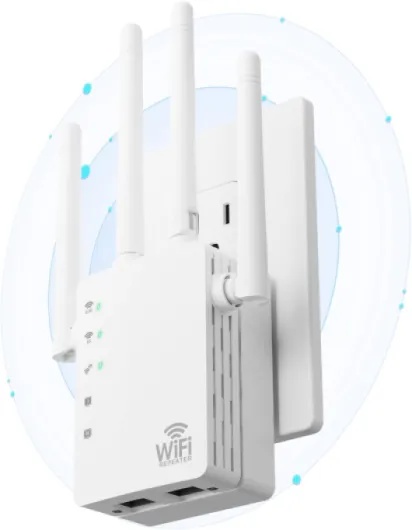
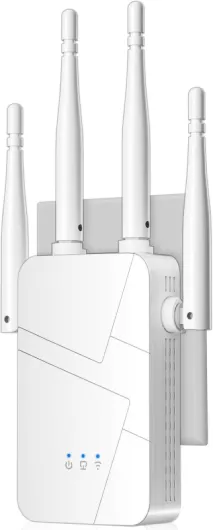
A Ring Doorbell relies on a strong wifi signal to deliver real-time alerts, video, and audio to your devices. However, many homes have areas where the wifi signal is weak or inconsistent, especially near doors or entryways. This is where wifi extenders, sometimes called range extenders or repeaters, come into play. Wifi extenders work by capturing your existing wireless signal and rebroadcasting it to areas with poor coverage. For Ring devices, this means your doorbell, alarm, or chime can maintain a stable connection even if your router is far away. Many customers mention in their reviews that adding an extender has improved their Ring Doorbell’s reliability and reduced lag or missed notifications.- Ring Chime Pro: This is a popular extender designed specifically for Ring products. It plugs into a standard power outlet and extends both wifi and chime alerts throughout your home. The white model blends in with most interiors, and it’s often rated highly in customer reviews for ease of use and performance. If you want to learn more about how the Chime Pro can enhance your setup, check out this guide to Ring Chime Pro.
- Alarm Range Extender: If you use Ring Alarm, the range extender helps your alarm devices stay connected, especially in larger homes. It’s a simple add to your cart if you notice signal drops between your Ring Alarm base station and sensors.
- Compatibility: Most wifi extenders, including the Ring Chime Pro, work with a wide number of Ring devices—doorbells, cameras, and alarms. Always check the product SKU and reviews to ensure compatibility with your specific model.
Signs you might need a wifi extender for your Ring Doorbell
When Your Ring Doorbell Needs a Boost
If your Ring Doorbell isn’t performing at its best, you might notice some clear signs that your wifi signal isn’t reaching it well enough. Many customers mention in reviews that their Ring devices sometimes lag, miss notifications, or have trouble streaming video. These issues often point to a weak wifi connection, especially if your doorbell is far from your router or there are thick walls in between.- Delayed or missed alerts: If your Ring alarm or chime doesn’t sound right away, or you see delays in notifications, your connection may be struggling.
- Poor video quality: Blurry or choppy video from your Ring Doorbell is a common sign of weak signal strength. This can affect both standard and pro models, regardless of the number of devices on your network.
- Frequent disconnects: If your Ring devices often drop offline or fail to connect, it’s a strong indicator that your wifi range isn’t enough.
- Limited range for alarms and chimes: The Ring alarm range extender or chime pro can help, but if you’re still having issues, your home’s layout or the number of connected devices might be the problem.
Choosing the right wifi extender for your Ring Doorbell
Key factors to consider before adding a wifi extender to your Ring setup
When you’re looking to boost the signal for your Ring Doorbell, choosing the right wifi extender is crucial for reliable security and performance. Not all extenders are created equal, and the best choice depends on your home’s layout, the number of Ring devices you have, and your specific security needs.
- Compatibility with Ring devices: Make sure the extender supports the frequency and standards used by your Ring Doorbell and other Ring devices. Some models, like the Ring Chime Pro, are designed specifically for Ring products and can double as a chime and extender.
- Signal range and coverage: Check the range extender’s specifications to ensure it covers the distance between your router and your Ring Doorbell. Reviews often mention the actual range in real homes, which can differ from what’s advertised.
- Power requirements: Consider whether the extender needs standard power outlets and if you have a suitable spot to plug it in. Some white models blend in with home decor and are less noticeable.
- Number of devices supported: If you have multiple Ring devices, like Ring Alarm or additional cameras, make sure the extender can handle the load without dropping connections.
- Customer reviews and ratings: Look for extenders with high stars and positive feedback, especially from customers using them with Ring products. Pay attention to comments about setup, reliability, and support.
- Additional features: Some extenders, such as the Chime Pro, offer extra features like an audible chime for alerts or integration with Ring Alarm systems. These can add convenience and improve your overall security experience.
- SKU and model options: When adding to cart, double-check the SKU and model to ensure you’re getting the right version for your needs. For example, the Ring Chime Pro (white) is popular for its blend of function and style.
Choosing the best wifi extender for your Ring Doorbell setup can make a significant difference in performance and peace of mind. Take time to compare options, read detailed reviews, and consider how each extender fits into your home security system before you add to cart.
How to set up a wifi extender with your Ring Doorbell
Step-by-step guide to connecting your Ring Doorbell with a wifi extender
Setting up a wifi extender for your Ring Doorbell can make a real difference in signal strength and reliability. Here’s a straightforward process to help you get the most out of your extender and Ring devices:- Choose the right location: Place your wifi extender about halfway between your router and the Ring Doorbell. The extender should be close enough to your router to get a strong signal, but also within range of your Ring device. Many customers mention in reviews that the right placement is crucial for best performance.
- Plug in and power up: Connect the extender to a standard power outlet. Most models, including the popular white model and Chime Pro, have indicator lights to show when they’re ready for setup.
- Connect to your network: Follow the instructions provided with your extender. Typically, you’ll use a mobile app or web browser to add the extender to your home wifi. Make sure to use the same network your Ring Doorbell is on, especially if you have multiple devices or a Ring Alarm system.
- Sync your Ring Doorbell: Open the Ring app and check your device’s connection. If needed, update the wifi settings to connect your Ring Doorbell to the new, stronger signal from the extender. This step is important for both standard and pro models.
- Test the connection: Walk outside and trigger the Ring Doorbell. Check the video feed and response time. If you notice lag or weak signal, try moving the extender to a different spot. Some extenders, like the Chime Pro, also act as a chime and can be added to your cart for extra convenience.
Tips for maximizing range and reliability
- Keep the number of devices connected to your extender reasonable. Too many can slow down your network and affect Ring security performance.
- Look for extenders with good customer reviews and at least four stars for reliability and range. Check the SKU and product details before you add to cart.
- If you have a Ring Alarm system, consider a dedicated alarm range extender for best results. The Ring Chime Pro is often reviewed as one of the best options for boosting both signal and chime functions.
Troubleshooting common issues with Ring wifi extenders
Common Problems When Using Wifi Extenders with Ring Devices
Even after adding a wifi extender to boost the signal for your Ring Doorbell, you might still encounter some hiccups. Many customers mention in their reviews that issues like dropped connections, lag in notifications, or trouble pairing devices can persist. Here are some frequent challenges and how to address them:
- Weak Signal Despite Extender: If your Ring Doorbell or other Ring devices (like the Ring Alarm or Chime Pro) still show a weak signal, check the placement of your extender. The extender should be close enough to your router to get a strong signal, but also within range of your Ring device. Sometimes, moving the extender just a few feet can make a difference.
- Too Many Devices on the Network: If you have a high number of connected devices, your wifi bandwidth may be stretched thin. This can impact the performance of your Ring Doorbell and other security products. Consider upgrading your router or limiting the number of devices connected at once.
- Power Issues: Standard power interruptions or using an extender with insufficient power can cause connection drops. Make sure your extender is plugged into a reliable power source. Some customers in reviews mention that using a white model or pro version of the extender can offer more consistent performance.
- Firmware and App Updates: Outdated firmware on your Ring Doorbell, Chime, or extender can lead to compatibility problems. Regularly check for updates in the Ring app to ensure all devices are running the latest software.
- Interference from Other Devices: Other electronics, thick walls, or even microwaves can interfere with your wifi signal. Try to place your extender and Ring devices away from these sources of interference.
Tips for Reliable Performance
- Always check the range of your extender to make sure it covers the area where your Ring Doorbell is installed.
- Use the Ring app to test signal strength and adjust placement as needed.
- If you’re using a Ring Chime Pro or a range extender specifically designed for Ring, follow the setup instructions carefully for best results.
- Read customer reviews and product ratings (stars, sku, etc.) before adding an extender to your cart. This helps ensure you’re choosing the best model for your needs.
For those with Ring Alarm systems, adding a range extender can also help boost the alarm range, ensuring all your security devices stay connected. If problems persist, Ring’s customer support is a reliable resource for troubleshooting and advice.